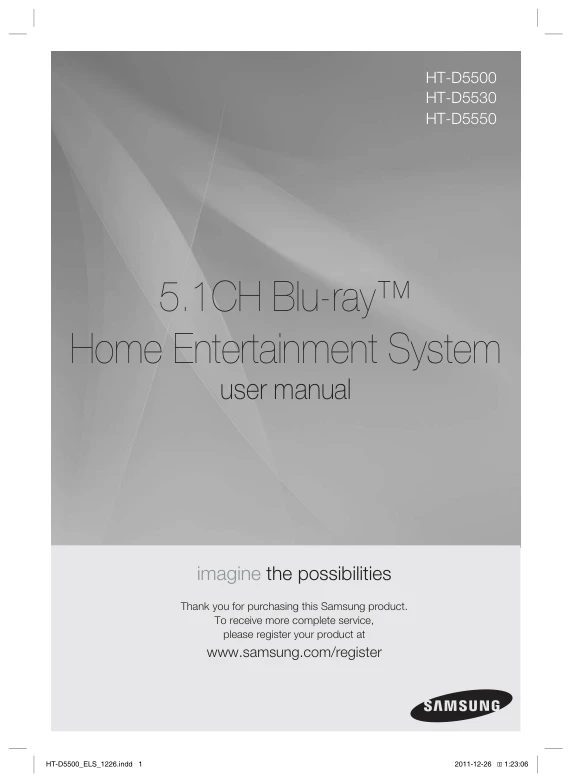
 A4 PRINTED COPY
A4 printed manual for Samsung HT-D5530
Your model’s PDF manual printed on A4 and delivered to your door. £9.99 printing charge.
£9.99Free UK delivery
 UK no1 trusted electronics parts storeBasket0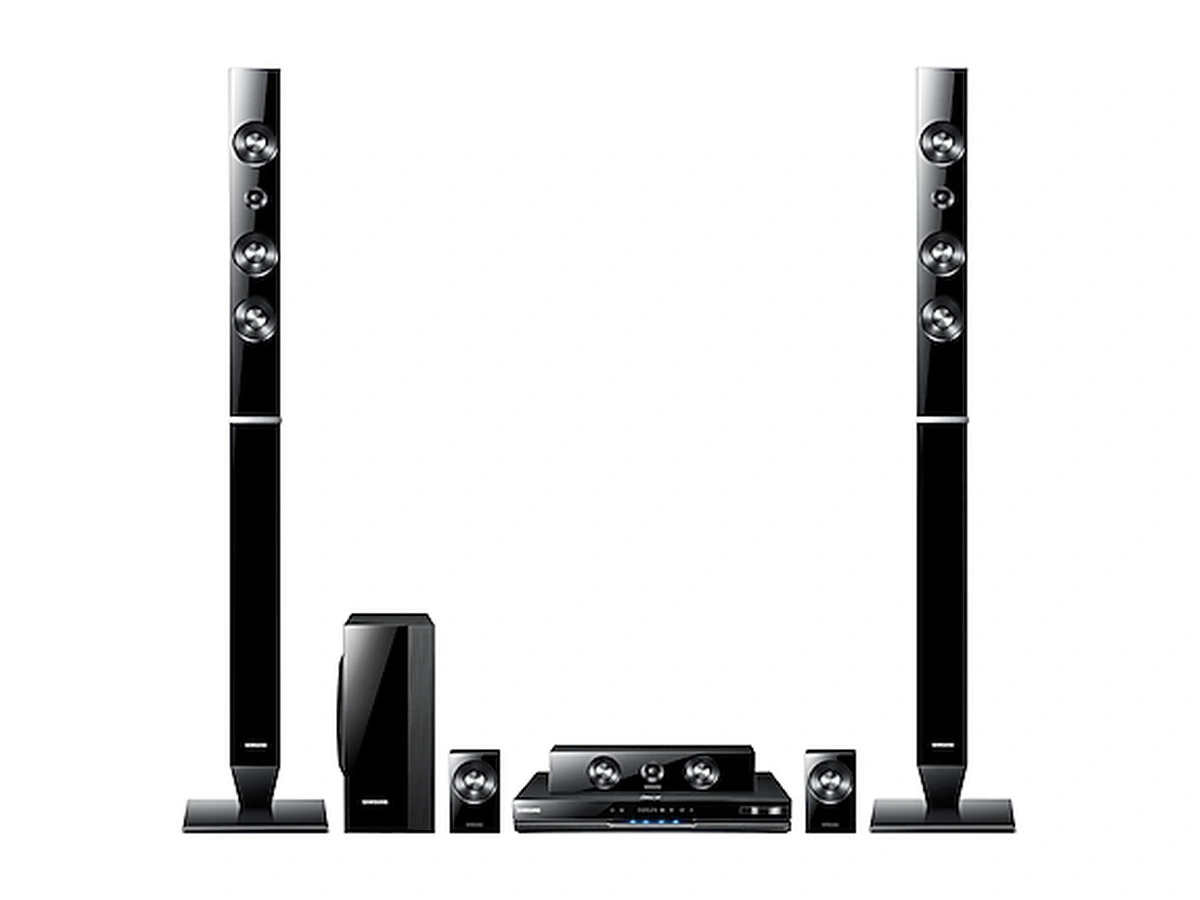
Model reference photo. The unit itself is not included in the accessories below.
SAMSUNG · MODEL STORE
Download the UK English operating instructions for your Samsung HT-D5530, or order an A4 printed copy. Check the available accessories below.
Free digital copy · email required
View manualEmail required. No payment. Limit: 10 manual downloads per internet connection per day, resetting at midnight UK time.JUST NEED ONE THING?
A4 PRINTED COPYYour model’s PDF manual printed on A4 and delivered to your door. £9.99 printing charge.
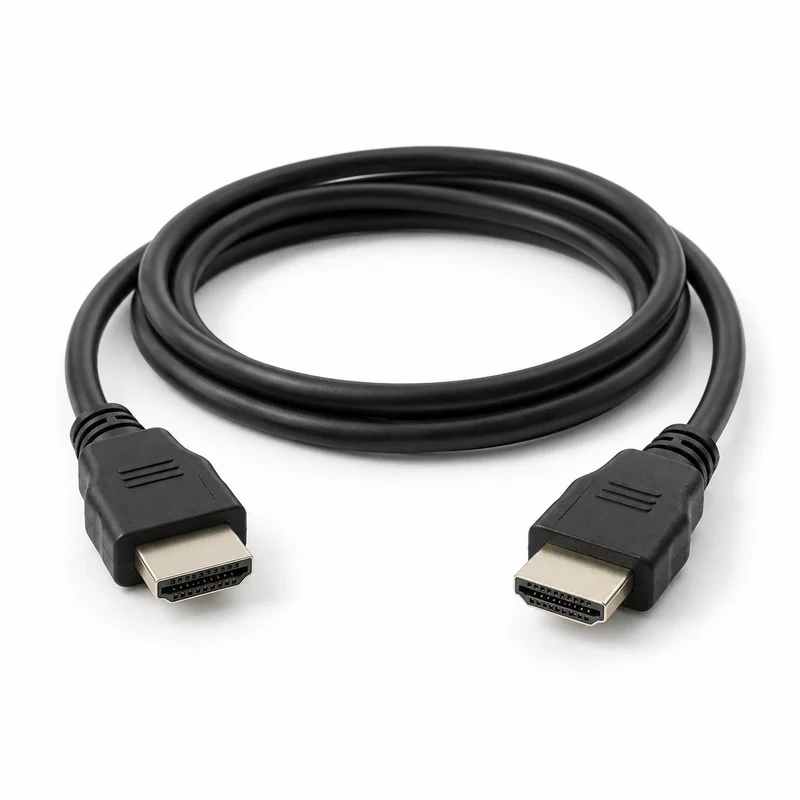 1.5 METRES
1.5m HDMI cable rated for 18 Gbps / 4K at 60 Hz. HDMI OUT connects the system to the television HDMI input. The shop cable is rated for 18 Gbps / 4K at 60 Hz; the system output remains limited to its own supported resolution.
The rear connection diagram identifies stereo AUX IN audio inputs. Use the red and white RCA plugs for this audio-only connection and leave the yellow plug unused.
HDMI and RF cable images are AI-generated illustrations. Manual covers are taken from the corresponding PDF where shown. The £9.99 manual price is a printing and delivery charge; the digital PDF is free. Availability is checked at checkout.
THE UK EDITION
Find the UK English operating instructions for the Samsung HT-D5530 blu-ray home cinema system in document Samsung HT-D5530 User Manual. This guide helps you locate the relevant sections before setting up your equipment or identifying a missing accessory.
Use the complete HT-D5530 model number and any regional suffix on your unit's label. Similar Samsung model numbers can use different instructions, connections and accessories.
Read the guide below without an email. The free PDF requires email submission; marketing consent is optional. An A4 printed copy is £9.99 with free UK delivery.
Manual source: Samsung UK official support. Official Samsung English user manual. The exact model is named on the cover and the document includes UK-specific mains-plug instructions (PDF page 2). Physical PDF page numbers are used for citations. Listed for HT-D5530/XU on Samsung UK support. This download contains only the English section. Extract pages 1-78 correspond to original PDF pages 1-78.
Get the HT-D5530 PDF manualCHECK BEFORE REPLACING
Samsung lists the following supplied items in the operating instructions. Quantities and references describe the original package; the shop’s replacement products are listed separately above.
| Supplied item | Qty | Original reference / details | PDF page |
|---|---|---|---|
| Remote control | 1 | Part number not statedThe supplied remote is illustrated, but this manual does not identify its orderable replacement part number. | 12 |
| AAA remote-control batteries | 2 | Part number not statedBattery type and installation are shown in the remote-control section. | 16 |
| FM wire aerial | 1 | Part number not statedSupplied for FM radio reception; this is not a TV aerial lead. | 12 |
| User manual | 1 | Part number not statedListed in the original supplied-accessories checklist. | 12 |
| Composite video cable | 1 | Part number not statedListed in the original supplied-accessories checklist. | 12 |
| iPod dock | 1 | Part number not statedListed in the original supplied-accessories checklist. | 12 |
| Auto Sound Calibration microphone | 1 | Part number not statedListed in the original supplied-accessories checklist. | 12 |
| Soft cleaning cloth | 1 | Part number not statedListed in the original supplied-accessories checklist. | 12 |
| Toroidal ferrite cores | Not stated | Part number not statedSupplied interference-suppression core(s); see the manual illustration for the cable locations and quantities. | 12 |
| Front speakers | 2 | Part number not statedLeft and right front speakers shown for this model in the speaker components or connection diagram. | 18 |
| Subwoofer | 1 | Part number not statedOriginal subwoofer shown in the system speaker diagram. | 18 |
| Centre speaker | 1 | Part number not statedCentre channel speaker shown in the system speaker diagram. | 18 |
| Surround speakers | 2 | Part number not statedLeft and right surround speakers shown in the system speaker diagram. | 18 |
| Speaker cables | 1 set | Part number not statedSupplied speaker cable set shown in the model-specific speaker components; match the labelled connectors. | 18 |
| Speaker stands | 2 | Part number not statedListed in the original supplied-accessories checklist. | 18 |
| Speaker stand bases | 2 | Part number not statedListed in the original supplied-accessories checklist. | 18 |
| Speaker assembly screws | 2 | 5 x 15 mmListed in the speaker-package checklist for this model. | 18 |
| Stand-base screws | 8 | 4 x 20 mmListed in the speaker-package checklist for this model. | 18 |
A shared manual may list different accessories for individual models or regions. Only the items described in the shop listing are included with an order.
View assigned replacement itemsThese are original accessories and components described by Samsung, not items included with a replacement accessory or printed-manual order.
The FM aerial connection is for radio reception, not a television aerial input.
A replacement remote part number has not been verified from this manual.
Online services described in the original manual may no longer be available.
GET CONNECTED
Start with the sections below in Samsung HT-D5530 User Manual. Read the complete procedure and follow any model or regional notes.
The manual shows the speaker layout, cable connections and model-specific speaker components. Match the labelled outputs and speaker wiring before switching on.
Samsung HT-D5530 User Manual · PDF page 17Use the HDMI OUT connection for digital picture and sound. The connection diagrams explain the television input and any supported external audio connections.
Samsung HT-D5530 User Manual · PDF page 22Follow the on-screen setup and menu instructions to select the display language and settings for your connected television and system.
Samsung HT-D5530 User Manual · PDF page 28USING YOUR EQUIPMENT
The playback section explains loading a supported disc, starting playback and using the play, pause, stop and disc-menu controls.
Samsung HT-D5530 User Manual · PDF page 46The troubleshooting table covers disc-loading and playback problems, remote operation, picture and sound checks. Follow the listed checks before requesting service.
Samsung HT-D5530 User Manual · PDF page 72MODEL-SPECIFIC HELP
Yes. This listing provides the UK English operating instructions (Samsung HT-D5530 User Manual), with 78 PDF pages. Match the regional suffix on your unit and use the sections labelled for HT-D5530 in a shared manual.
The digital manual is free after email submission. Marketing consent is optional. An A4 printed copy costs £9.99 with free UK delivery; this charge is for printing and delivery.
Check the original remote reference for the exact HT-D5530 model and regional edition. Replacement compatibility has not yet been confirmed on this listing, so a similar-looking remote should not be assumed to work.
The troubleshooting table covers disc-loading and playback problems, remote operation, picture and sound checks. Follow the listed checks before requesting service.
Samsung HT-D5530 User Manual · PDF page 72Use instructions that explicitly cover HT-D5530 and its regional edition. Shared manuals can be suitable when they name your model, but another model's remote references, sockets or setup menus may differ.
Choose the model printed on your equipment. These links do not establish accessory compatibility or make one model’s manual suitable for another.
Source: Samsung HT-D5530 User Manual UK English operating instructions. PDF page references include the cover. Source checked 2026-10-04. This guide describes the documentation and does not represent testing of an individual unit.
These are original accessories and components described by Samsung, not items included with a replacement accessory or printed-manual order.
The FM aerial connection is for radio reception, not a television aerial input.
A replacement remote part number has not been verified from this manual.
Online services described in the original manual may no longer be available.