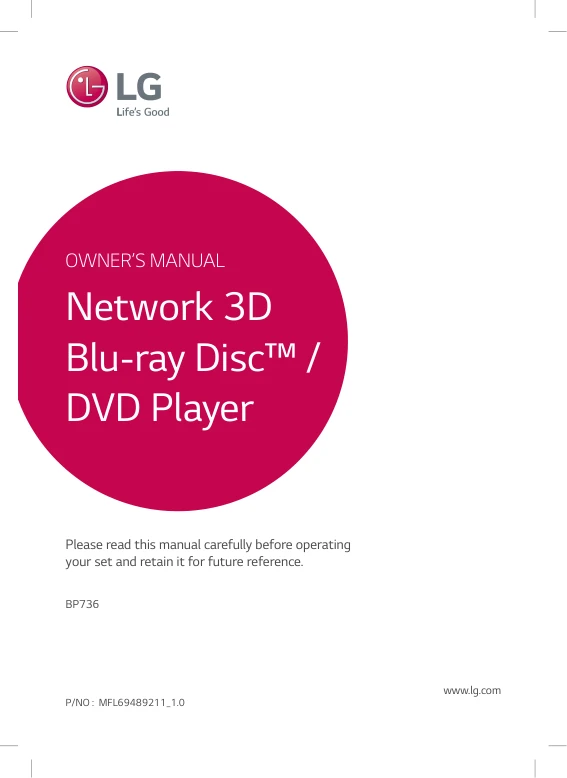
 A4 PRINTED COPY
A4 printed manual for LG BP736
Your model’s PDF manual printed on A4 and delivered to your door. £9.99 printing charge.
£9.99Free UK delivery
 UK no1 trusted electronics parts storeBasket0
Model reference photo. The unit itself is not included in the accessories below.
LG · MODEL STORE
Download the UK English operating instructions for your LG BP736, or order an A4 printed copy. Check the available accessories below.
Free digital copy · email required
View manualEmail required. No payment.JUST NEED ONE THING?
A4 PRINTED COPYYour model’s PDF manual printed on A4 and delivered to your door. £9.99 printing charge.
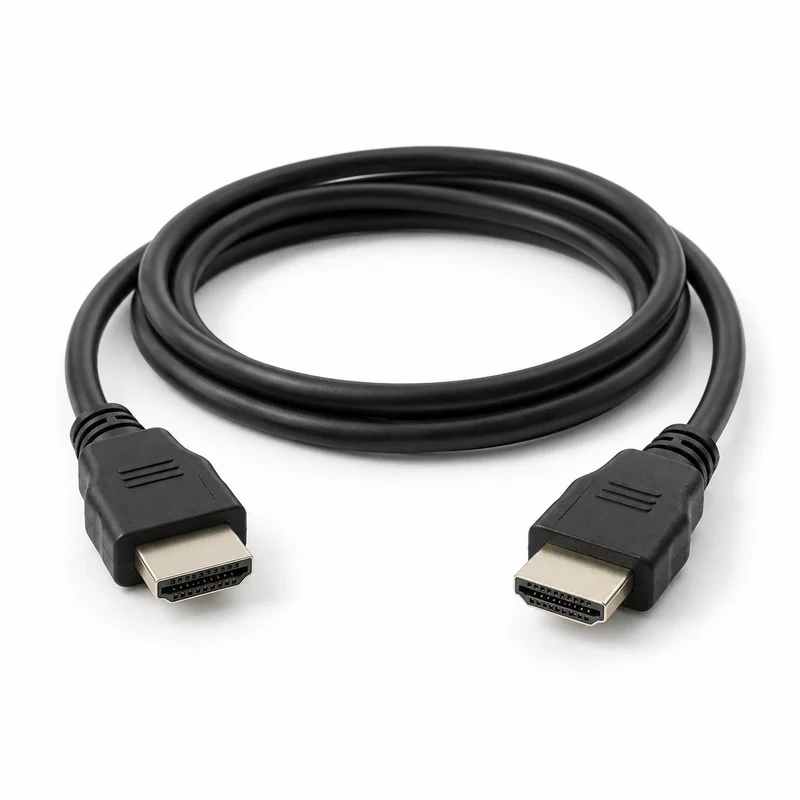 1.5 METRES
1.5m HDMI cable rated for 18 Gbps / 4K at 60 Hz. The operating manual specifies a Type A High Speed HDMI cable for the HDMI OUT television connection.
HDMI and RF cable images are AI-generated illustrations. Manual covers are taken from the corresponding PDF where shown. The £9.99 manual price is a printing and delivery charge; the digital PDF is free. Availability is checked at checkout.
THE UK EDITION
Find the UK English operating instructions for the LG BP736 blu-ray player in document MFL69489211_1.0. This guide helps you locate the relevant sections before setting up your equipment or identifying a missing accessory.
Use the complete BP736 model number and any regional suffix on your unit's label. Similar LG model numbers can use different instructions, connections and accessories.
Read the guide below without an email. The free PDF requires email submission; marketing consent is optional. An A4 printed copy is £9.99 with free UK delivery.
Manual source: LG UK official download. English owner's manual returned by LG UK support for BP736.BGBRLLK; official download filename: BP736-P_MFL69489211_EU_ENG_1.0.pdf. The model cover, English instructions, connections and physical PDF page numbering were checked.
Get the BP736 PDF manualCHECK BEFORE REPLACING
LG lists the following supplied items in the operating instructions. Quantities and references describe the original package; the shop’s replacement products are listed separately above.
| Supplied item | Qty | Original reference / details | PDF page |
|---|---|---|---|
| Original remote control | 1 | Part number not statedRemote design is illustrated; no spare-part number is stated in this operating manual. | 10 |
| Remote batteries (AAA) | 1 | Part number not statedBattery type and quantity required by the original remote; replacement remotes may differ. | 10 |
A shared manual may list different accessories for individual models or regions. Only the items described in the shop listing are included with an order.
View assigned replacement itemsPower connection: permanently attached AC mains lead shown in the rear-panel diagram (PDF page 11).
GET CONNECTED
Start with the sections below in MFL69489211_1.0. Read the complete procedure and follow any model or regional notes.
Connect HDMI OUT to a compatible TV with a High Speed Type A HDMI cable, then select the corresponding TV input.
LG MFL69489211_1.0 · PDF page 12Follow the initial setup wizard and check the display, language, audio and parental-lock settings.
LG MFL69489211_1.0 · PDF page 21The manual covers wired and wireless network setup and network playback. Availability of online services may change.
LG MFL69489211_1.0 · PDF page 16USING YOUR EQUIPMENT
The original remote uses 1 AAA battery. Check polarity and the illustrated controls.
LG MFL69489211_1.0 · PDF page 10Use the Home menu to play supported discs and media files. The manual explains playback controls, subtitles and on-screen options.
LG MFL69489211_1.0 · PDF page 32Check power, disc type and regional code, playback and remote-control remedies before replacing accessories.
LG MFL69489211_1.0 · PDF page 55MODEL-SPECIFIC HELP
Yes. This listing provides the UK English operating instructions (MFL69489211_1.0), with 74 PDF pages. Match the regional suffix on your unit and use the sections labelled for BP736 in a shared manual.
The digital manual is free after email submission. Marketing consent is optional. An A4 printed copy costs £9.99 with free UK delivery; this charge is for printing and delivery.
Check the original remote reference for the exact BP736 model and regional edition. Replacement compatibility has not yet been confirmed on this listing, so a similar-looking remote should not be assumed to work.
Check power, disc type and regional code, playback and remote-control remedies before replacing accessories.
LG MFL69489211_1.0 · PDF page 55Use instructions that explicitly cover BP736 and its regional edition. Shared manuals can be suitable when they name your model, but another model's remote references, sockets or setup menus may differ.
Choose the model printed on your equipment. These links do not establish accessory compatibility or make one model’s manual suitable for another.
Source: LG MFL69489211_1.0 UK English operating instructions. PDF page references include the cover. Source checked 2026-10-04. This guide describes the documentation and does not represent testing of an individual unit.
Power connection: permanently attached AC mains lead shown in the rear-panel diagram (PDF page 11).